Inroduction
The most fundamental resource offered in an Infrastructure as a Service (IaaS) model is compute power. In Amazon Web Services, this service is called AWS EC2 (Elastic Compute Cloud).
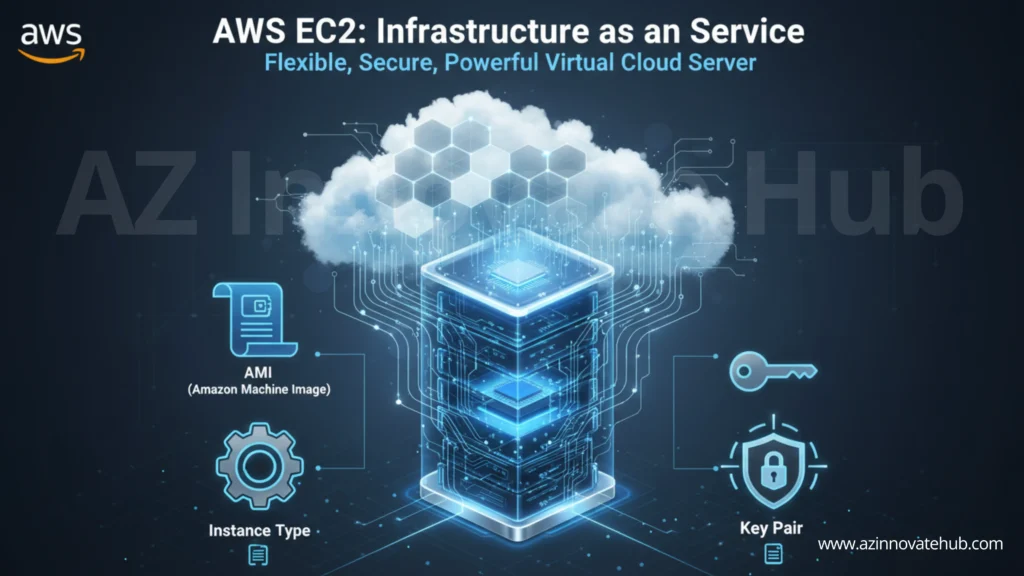
An AWS EC2 instance is a virtual machine (VM) that acts as your server in the cloud. This service provides secure and resizable compute capacity. The term “elastic” means the service is flexible and modifiable. Instead of purchasing physical hardware, you can simply open the AWS console and request a server with your specific configurations.
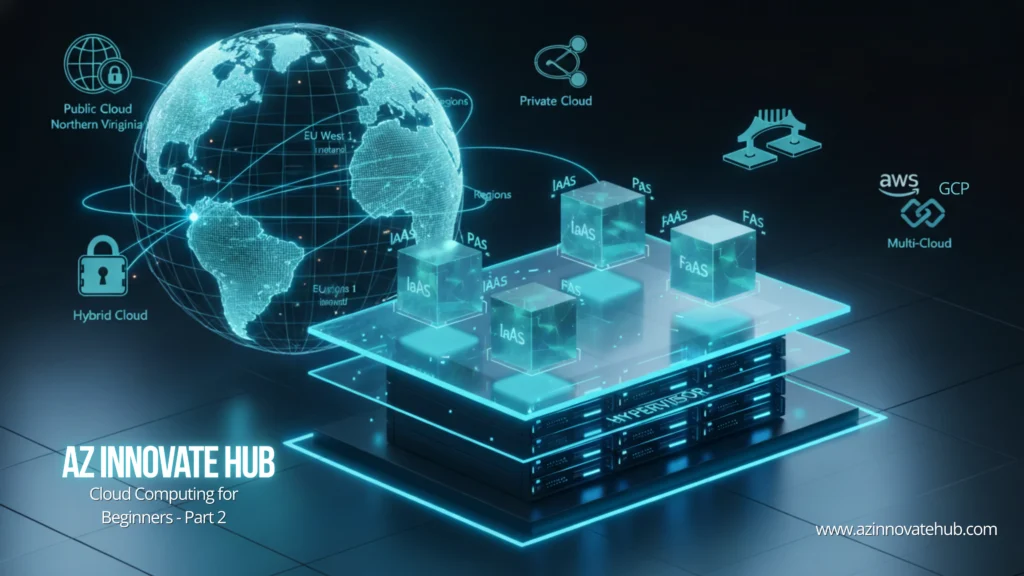
This capability is built on virtualization technology. Cloud providers install a hypervisor layer on physical hardware, which divides the physical resources into smaller, isolated virtual machines that are then rented out to users.
When you provision an AWS EC2 instance, you must define its core components.
Amazon Machine Image (AMI): The Software Blueprint
The AMI is the template that defines the software configuration of your AWS EC2 instance. It is the first thing you choose, and it specifies:
- The Operating System (OS): This includes distributions like Linux, Windows, or macOS.
- Pre-installed Software: AMIs can also come bundled with software, such as a database server like SQL Server.
AWS offers several types of AMIs:
- Quick Start AMIs: These are the default, standard images provided by the cloud vendor for quick deployment.
- AWS Marketplace AMIs: This is a marketplace where third-party vendors (like Cisco) offer specialized AMIs with pre-configured tools.
- Custom AMIs: You can create your own AMI from one of your existing instances. This captures your OS and all installed software, acting as a point-in-time backup or a standardized template for your team.
Instance Type: The Hardware Requirements
After defining the software, you must select the hardware. The Instance Type defines the hardware requirements for the virtual server, specifically the amount of CPU and RAM it will have.
AWS offers hundreds of pre-configured instance types (e.g., 759+, 780+, 900+). You cannot customize these combinations. You must instead choose from “families” designed for specific workloads:
- General Purpose: Offers a balance of compute, memory, and networking resources. The T2.micro is a common example. It is often free tier eligible, providing one CPU and 1 GB of RAM.
- Compute Optimized: Provides high-performance processors for compute-intensive workloads.
- Memory Optimized: Ideal for workloads requiring large amounts of RAM, like high-performance databases.
- Storage Optimized / Accelerated Computing: Includes dedicated hardware like GPUs for machine learning or local NVMe storage for high-speed I/O.
Key Pair: Secure Authentication
The Key pair essential for securely connecting to your AWS EC2 instance; it serves as the login password. It uses encryption algorithms (like RSA) to ensure high security. A Key Pair consists of two parts:
- Public Key: This part is stored on the AWS EC2 instance.
- Private Key: This part is downloaded by you as a file (e.g., a .pem file) to your local machine.
When you attempt a remote login (e.g., via SSH), your client passes the private key for authentication. The instance grants access only if the private key matches the public key stored on the server.
Conclusion: The Foundation of IaaS
The virtual server is the foundation of Infrastructure as a Service (IaaS). You now know how to configure an AWS EC2 instance using its three main components: the Amazon Machine Image (AMI) as the software blueprint, the Instance Type as the hardware (CPU and RAM), and the Key Pair as the secure password.
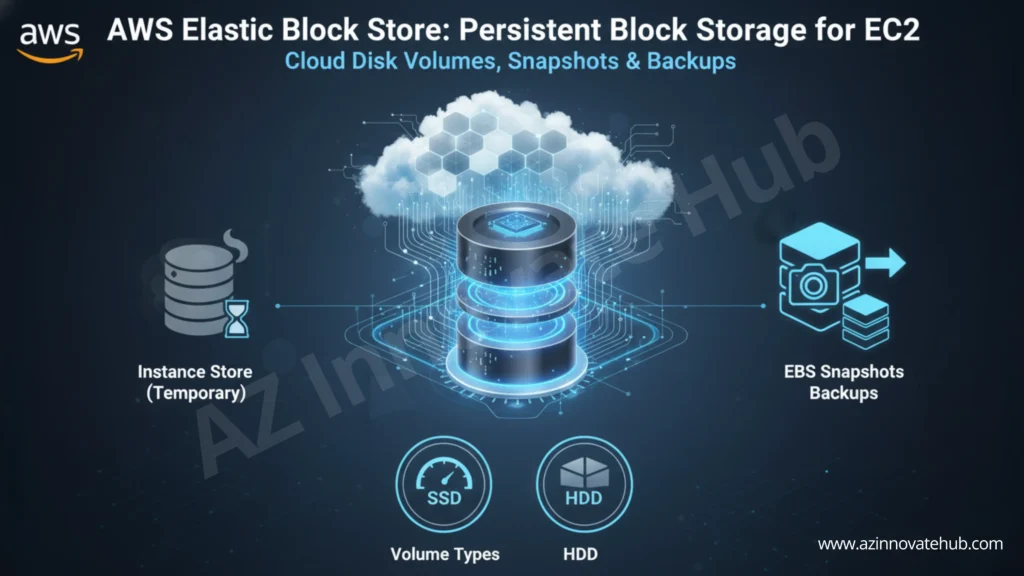
But a server is useless without storage. In the next article, we will explore the different storage options for your EC2 instance, starting with the persistent “virtual hard drive” known as Elastic Block Store (EBS).